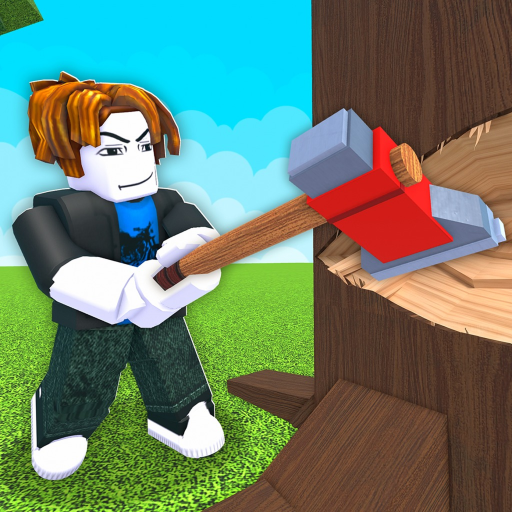
Chop A Forest Get Classes: Shop, Currency and Stock
Get Classes
- Look for classes in the hub or field class shop.
- Class purchases use Gems or Robux.
- Stock refreshes randomly; the next refresh does not promise your chosen class.
Find the class offer you intend to buy
To get classes in Chop A Forest, use the class shop in the hub or field and inspect the class you want. Read its effect package before choosing the purchase. A familiar name from a tier list should help you recognize the option, rather than replace checking the actual menu.
Choose a currency and a budget first
Classes can use Gems or Robux. If you intend to use earned Gems, check that currency carefully before confirming an alternative premium offer. Keep the purchase connected to a planned benefit, such as improving cutting or carrying, instead of spending merely because a desirable-looking option appears.
Remember the other uses of Gems. Classes compete with permanent perks and lasting vehicle purchases. Saving for a class is sensible when its effect package supports your sessions, but it is not a reason to pretend every other permanent improvement is irrelevant. Choose one goal and know what you are delaying.
Snapshot as ofAllow for changing shop availability
The class shop uses a random five-minute restock. Having enough currency does not guarantee the item is in stock, and one refresh does not promise the exact class you want next. Inspect the actual list when it changes rather than buying a substitute on impulse.
The Chop A Forest class-restock guide explains that availability question in more detail. Once you have selected a class and a budget, the remaining decision is whether its offer is present and acceptable, rather than whether a countdown guarantees the purchase.