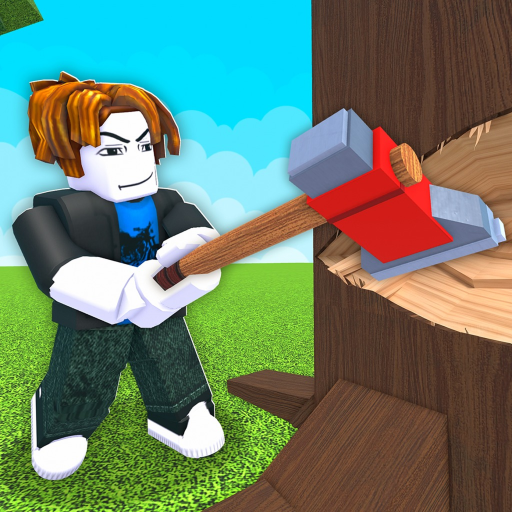
Chop A Forest Collect Logs: Pickup and Backpack
Collect Logs
- Collect logs after felling a tree.
- PC gameplay shows holding E to collect wood.
- The vacuum gathers nearby logs into the backpack; capacity still matters.
Pick up the wood you have already produced
To collect logs in Chop A Forest, move from cutting the tree to gathering its wood. PC gameplay shows holding E for collection. Use the prompt displayed in your session for the device you play on; a keyboard observation should not be turned into an invented touch or controller binding.
Recognize a capacity interruption
When the backpack fills, the next problem is handling the load rather than producing more logs. Finish a delivery or compare the carrying improvement offered in the shop. Continuing to cut can create a larger pile, but it does not make the existing load fit into the bag.
The log vacuum is another collection option. It pulls nearby logs into the backpack, which can make pickup more convenient. Keep the receiving capacity in mind: a collection tool works alongside the bag rather than granting unlimited space. Buy it for the nearby-pickup problem, not as a promise that every hauling action disappears.
Turn a collected load into a completed trip
Once the load is ready, keep a clear destination for selling. If friends are working nearby, agree whether the immediate task is producing more wood or handling the logs already available. That is coordination advice, rather than a claim that every player shares the same bag or money.
The Chop A Forest log-selling guide covers the next action. A useful collection routine ends with a sale you can repeat, so judge an improvement by how comfortably it helps you finish that trip.