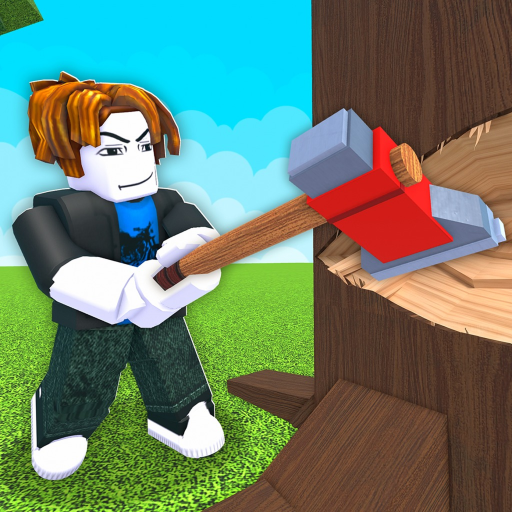
Chop A Forest Cut Trees: Cutting and Log Collection
Cut Trees
- Use your available cutter; a new run can begin with hands.
- Axes and chainsaws improve the cutting stage in different ways.
- Felling a tree starts the log-handling stage rather than finishing the sale.
Begin with the equipment available
To cut trees in Chop A Forest, use the cutting equipment available in your run. New-player gameplay begins with hands before the first axe purchase. Work on a tree, gather its resulting logs and use the sale to move toward a more comfortable cutting setup. You do not need a premium tool to begin the job.
Read the tool rather than importing another setup
The axe is a practical early improvement. Chainsaw gameplay adds cut-speed, cooling and quick-restart choices, so its behavior depends on more than the item name. Read the menu for the tool you use instead of applying another creator's upgraded cooldown or a trial's terms to your equipment.
If cutting feels slow, compare a targeted improvement with saving for another tool. If cutting already produces more logs than you handle comfortably, pause that comparison and look at collection or hauling. More trees on the ground do not automatically make the next sale easier.
Leave the cutting stage with a clear next action
Finish a manageable patch and collect the wood rather than losing track of several scattered piles. With friends, make the next task clear: cutting another tree or handling the material already produced. That choice is coordination advice, not a required team composition or a shared-wallet promise.
The Chop A Forest log-collection guide explains what follows a felled tree. Keeping that next step attached to cutting makes the equipment improvement useful across a whole trip rather than only in the moment a tree falls.